3 min read · Travel Tips
Using Your Phone Abroad: Turn Roaming Off Before You Board
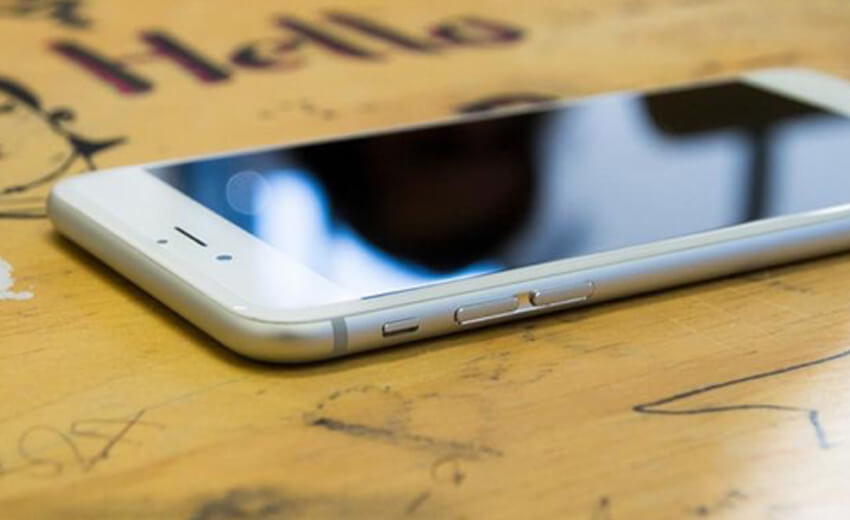
Using your phone abroad comes down to two decisions: how you get data, and whether your photographs survive the trip. Everything else is preference.
Two decisions matter when you are using your phone abroad. Everything else is preference.
The first is how you get data. The second is whether your photographs survive the trip.
Turn it off first, then choose
Before you fly, turn data roaming off. Do it while you still have a signal you understand.
Then pick one of three options deliberately.
A day pass from your carrier is the simplest. It works with your existing number and is charged per day of use. Fine for a week, expensive for a month.
An eSIM is a local or regional data plan downloaded to the phone before departure. Usually far cheaper for longer trips, and your normal number still receives calls and texts over wifi. It needs a phone that supports eSIM, which most recent handsets do.
Wifi only is genuinely viable in Europe, Japan and most cities. Less so in rural areas and across much of Southeast Asia and Latin America, where you will want data for maps more than you expect.
What you must not do is leave roaming on and hope. Uncapped international roaming has produced four-figure bills, and the charge is legitimate once incurred.
Back up the photographs first
The most common travel loss is not a wallet. It is a phone, dropped or soaked or stolen, carrying the only copy of several thousand pictures.
Turn on automatic cloud backup before you leave, and set it to upload on wifi only so it does not consume your data plan. iCloud, Google Photos and Amazon Photos all do this and all have a free tier large enough for a trip.
Then check it actually ran on the first night. A backup you assumed was on is not a backup.
An adapter is not a converter
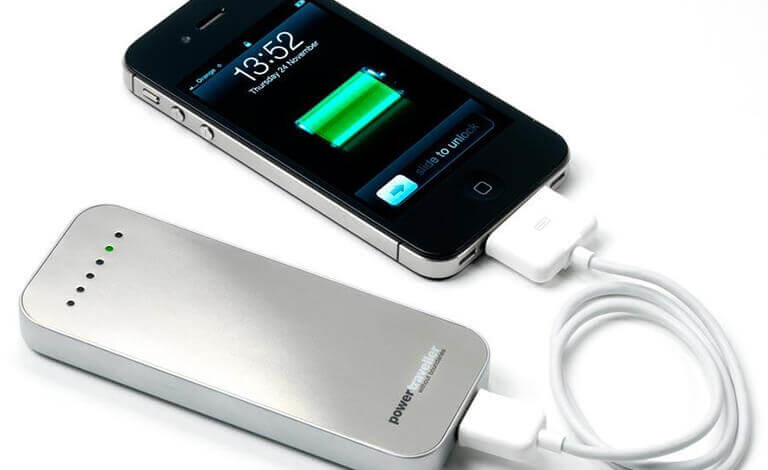
A universal adapter handles plug shape, not voltage. Modern phone and laptop chargers accept 100 to 240 volts and are fine anywhere, but check the small print on the brick before assuming.
Carry a power bank and keep it in hand luggage. Airlines prohibit them in checked bags and this is enforced.
One multi-port USB charger replaces several bricks, and a short extension lead turns the single awkward hotel socket into three.
Airplane mode when you are not using the phone extends a day's battery dramatically, and offline maps stop the map itself draining it.
What to set up before using your phone abroad
Offline maps for each city, downloaded on hotel wifi. A translation app with the language pack downloaded rather than streamed. Your airline's app, which handles delays faster than the desk. A photo of your passport, emailed to yourself.
A pouch costs less than a handset
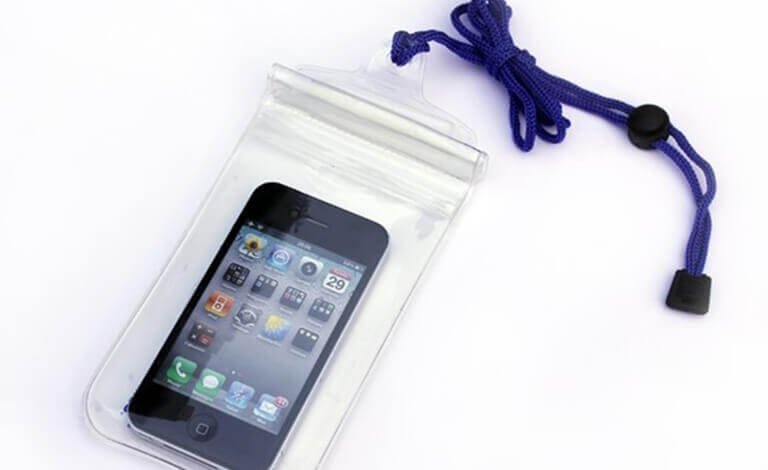
If the trip involves beaches, boats or rain, a waterproof pouch costs very little and removes the question entirely.
If you normally run a naked phone, add a case for the trip. Replacing a handset abroad is expensive, slow, and eats a day you would rather spend elsewhere.
Our international travel packing list covers what else earns its space, and preserving travel memories picks up where the backup leaves off.
Call Exquisite Travel Group on (916) 757-6300. We will tell you whether your destination is a wifi country or a data country, which decides the whole question.